


Best No-Code AI Builders for Beginners (2026 Guide)
Check out the best no-code AI builders in 2026. These are also the top no-code AI builders for beginners, for building websites, mobile apps, and anything else you like!

No-code AI builders let you ship real AI apps without wrestling with Python, GPUs, or giant engineering budgets. You describe the outcome, drag a few blocks, and an AI-powered workflow, chatbot, or internal tool is live for your team. These platforms sit between generic chatbots and fully custom engineering, which is why so many solo creators and teams are paying attention in 2026. If you notice yourself daydreaming about ideas but stalling at the "how do I build this?" stage, no-code AI builders for beginners are exactly the bridge you need.
What Are No-Code AI Builders?
No-code AI builders are visual platforms where you design AI apps, agents, or workflows by configuring blocks and forms instead of writing code. Under the hood they connect to large language models, vector databases, and APIs, but you interact with them as if you were editing a flowchart or spreadsheet. You can use them to build apps with AI for tasks like customer support, analytics, content generation, or data entry.
Unlike traditional no-code tools that only handle UI and basic automation, modern no-code AI app builders add prompt orchestration, memory, retrieval from knowledge bases, and tool use. That is why you can build web and mobile apps using AI that search documents, call APIs, and take actions instead of just displaying forms. Some platforms present themselves as a no code AI-powered app builder, while others emphasise being a no-code AI agent builder for autonomous agents, or no-code AI website builders aimed at marketing and support use cases.
In practice, you will see categories like open-source no-code AI builders such as Flowise and Langflow, commercial no-code app builder platforms like Rocket, Bubble, and Zite, and specialised no-code AI builders for businesses that focus on agents or internal tools. There are also no-code AI builders for websites and chatbots embedded into landing pages, and no-code AI builders for non-profits that care more about donations and volunteer flows than complex engineering. Because most tools ship templates and starter kits, both no-code AI builders for beginners and no-code AI builders for professionals share the same platforms; the difference is how deep you go into configuration.
Benefits of No-Code AI Agent Platforms
No-code AI agents shrink the gap between idea and working automation: you describe a workflow, wire a few blocks, and the agent starts doing real work. Instead of hiring engineers for every experiment, you can prototype with no-code AI builders, then only bring in developers when something clearly needs hardening. You get speed, lower upfront cost, and the freedom to try more ideas.
No-code AI agent platforms also let more people participate in building, from operations teams to subject-matter experts who understand the process better than anyone. When non-technical team members can adjust prompts, data sources, and logic themselves, AI projects stop bottlenecking on a single technical owner.
Faster builds and shorter feedback loops
You can go from idea to a working AI agent or app in hours instead of weeks with the right no-code AI builders. Visual canvases in tools like Flowise and MindStudio let you drag nodes for inputs, models, tools, and outputs, then test right on the canvas. When your prompts or retrieval logic need tweaks, you change a block, hit run, and immediately see what improved and what still feels off.
For solo founders and small teams, that speed is what makes build apps using AI with no coding realistic at all. You could wire up a sales assistant today, instrument it tomorrow, and only then decide whether it justifies moving to a custom stack. Some tools even promise you can build AI apps in minutes using templates and natural-language "describe the app" wizards, which lowers the activation energy for side projects.
Flexibility across roles and industries
If you look at who actually uses these platforms, it ranges from indie creators to enterprise operations teams. No-code AI builders for websites focus on chat widgets, lead capture, and self-service help centres, while no-code AI builders for businesses layer in CRM updates, ticketing, and analytics. Non-technical operations managers can describe workflows in plain language, wire their tools, and ship something real without waiting for a dev sprint.
There are also no-code AI builders for non-profits that prioritise donation funnels, volunteer onboarding, and grant tracking rather than pure revenue metrics. No-code AI builders for professionals often expose deeper controls, such as model selection, context window tuning, and custom tools, so more advanced users can push the limits without leaving the platform. At the same time, the same products are marketed as no-code AI builders for beginners thanks to templates, wizards, and pre-built flows.
Cost control, tiers, and ownership options
Compared with hiring a full engineering team, free no-code AI builders and free AI app builder tiers let you test ideas with almost no budget. Many platforms offer a genuinely usable free plan or trial, then graduate you to paid no-code AI builders tiers as usage grows or you need enterprise features. On the other end, premium no-code AI builders add compliance (SOC 2, GDPR), SSO, audit logs, and better support, which matters once AI agents touch sensitive workflows.
Open-source no-code AI builders like Flowise and Langflow give you self-hosting and full control over data, which some teams prefer over cloud-only services. Commercial platforms such as Zite or Bubble behave more like traditional software-as-a-service, where you trade some control for hosting, maintenance, and convenience. Between the extremes, you will find a mix of AI app builder no-code free tiers, paid no-code AI builders, and hybrid setups, so you can pick what fits your governance and budget.
How to Choose the Best No-Code AI App Builders?
Choosing between no-code AI builders can feel like scrolling app stores forever, so you will want a simple checklist. You could treat each platform like a co-worker: what do they do best, what do they cost, and how much care and feeding do they need?
- Match the builder to your primary use case. If you mainly want chatbots on your site, look at no-code AI website builders and no-code AI builders for websites that focus on chat, forms, and lead capture. If you care more about internal tools, reporting, or CRMs, no-code AI builders for businesses and no-code web app builder platforms such as Bubble or Zite are a better fit.
- Check how "AI-native" the workflow feels. Some platforms bolted AI features onto existing no-code app builder platforms, while others like Flowise, Langflow, and MindStudio are built around AI orchestration from the start. You should look for clear control over prompts, context windows, memory, and tools so your no-code AI agents do more than generic Q&A.
- Compare free tiers and long-term pricing. Many tools position themselves as the best AI app builder no code by advertising generous free plans, but the limits often sit in the fine print. If you need an AI app builder no-code free tier for experimentation, check how many runs, agents, or users you actually get before you need to move into premium no-code AI builders.
- Look at integrations and data connectivity. The strongest platforms act as a no-code AI agent builder on top of your existing stack, connecting CRMs, email, spreadsheets, and databases. If you plan to build apps with AI that touch payment systems or proprietary internal tools, verify that connectors or APIs exist so you are not boxed in later.
- Consider governance, security, and hosting. Open-source tools like Flowise and Langflow let you self-host and keep data in your own environment, which matters in regulated sectors. Cloud-first builders such as MindStudio, Zite, or Microsoft Copilot Studio, by contrast, emphasise compliance certifications and deep enterprise integrations for teams that want guardrails without managing infrastructure.
- Think about your team’s skills and time. No-code AI builders for beginners rely on templates and wizards, while no-code AI builders for professionals expose more configuration and scripting hooks. If you need different groups to contribute, pick a platform where marketers, ops, and engineers can each work at their own depth without tripping over one another.
- Plan for ownership and migration. Open-source no-code AI builders give you source access from day one, while fully hosted tools may lock logic inside their ecosystem. If you expect to outgrow no-code app builder platforms later, treat them as a proving ground for workflows you may eventually rewrite, not as permanent infrastructure.
8 Best No-Code AI Builders in 2026
Here is a list of the best no-code AI builders for beginners. These are the top no-code AI builders in 2026 as well:
1. Lindy
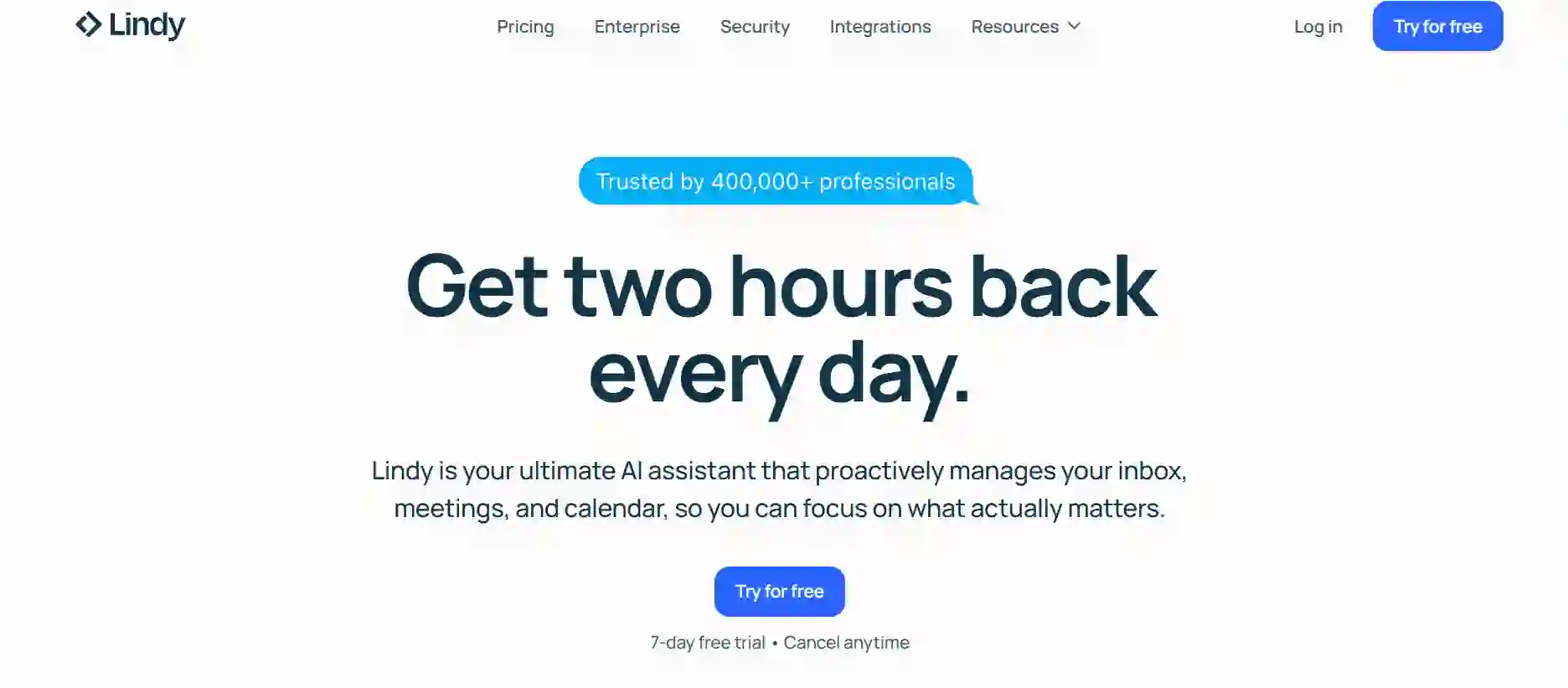
Lindy is a no-code AI agent builder aimed at teams that want agents to handle real business tasks like outreach, support, and operations without writing scripts. You can describe an agent in everyday language, then refine its behaviour inside a visual Flow Editor with triggers, branches, and actions. Lindy connects to thousands of apps, including email, calendars, CRMs, and chat tools, which makes it attractive to busy teams that live inside SaaS. Tutorials and templates show how to set up common no-code AI agents such as email responders, lead qualifiers, and help-desk assistants in a single afternoon.
Key features
- Conversational Agent Builder. You can type a natural-language description of the agent you want, and Lindy scaffolds the workflow for you, which you then tweak in the visual editor. That conversational loop makes it less intimidating for people who have never touched automation tools before.
- Visual flow editor with logic. The Flow Editor lets you add conditions, loops, branches, and human-in-the-loop approval steps without code. This gives you enough control to move past simple autoresponders into multi-step processes that feel closer to mini-apps.
- Deep integrations. Lindy’s connectors cover major tools such as Gmail, Slack, HubSpot, and thousands of other services, so your agents can read, write, and update records across your stack. That makes it one of the top no-code AI builders if you care about orchestrating tasks across many apps.
- Template gallery for business roles. Pre-built agents for sales, support, recruiting, and operations give you a shortcut when you are not sure how to structure a workflow yet. You can start from a template, then adjust copy, triggers, and tools to match your own processes.
- Usage-based pricing with free credits. Lindy offers free credits so new users can experiment without commitment, then moves into paid tiers suitable for scaling teams and enterprises. That mix means it plays both as one of the free no-code AI builders for early tests and as one of the premium no-code AI builders once agents move into production.
2. MindStudio
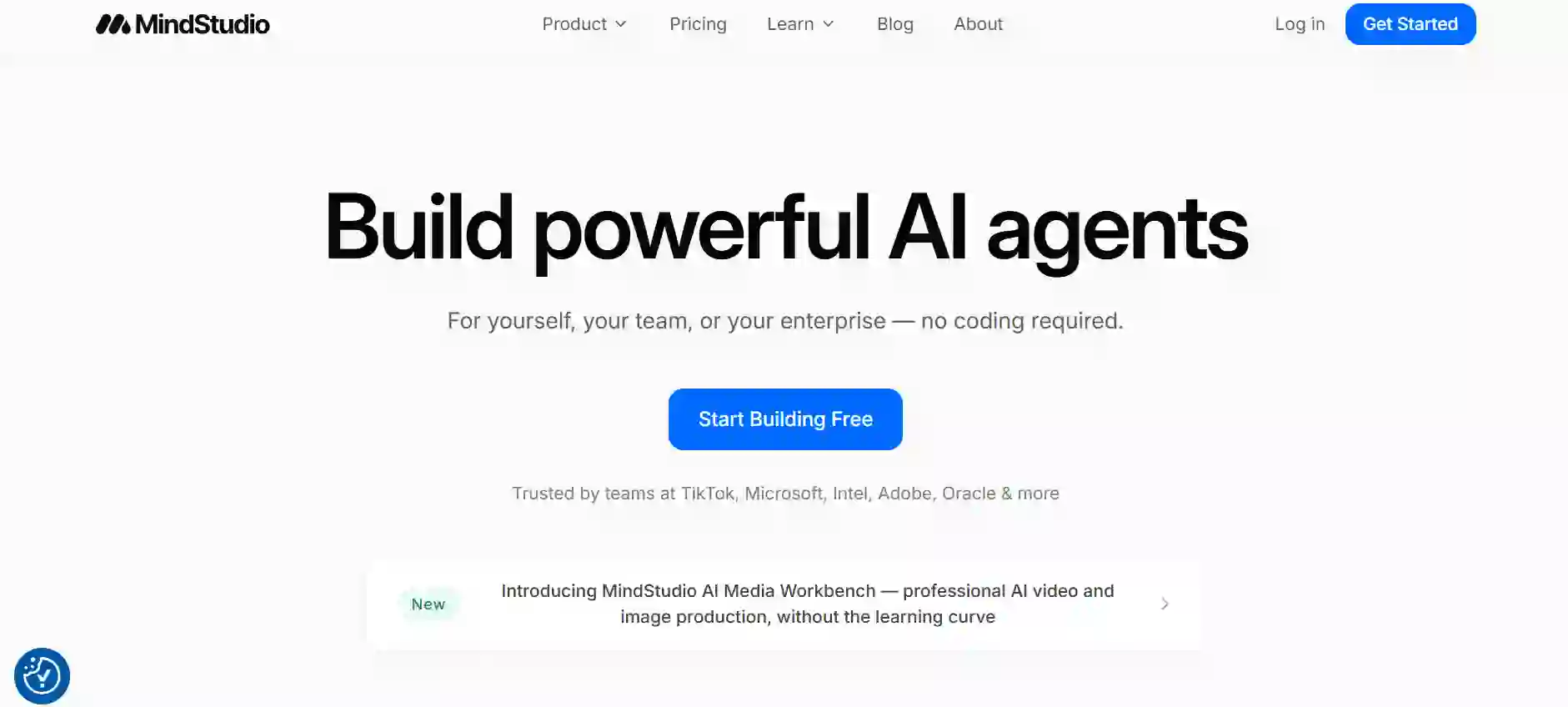
MindStudio positions itself as a visual studio for building, testing, and deploying AI agents and AI-powered apps without writing code. The platform offers a canvas-based builder where you connect triggers, models, tools, and outputs to form workflows for content generation, summarisation, analysis, and automation. MindStudio is model-agnostic, letting you pick from dozens or even hundreds of models without provisioning your own API keys. It is used by solo creators and enterprises alike, especially for departmental automations and customer-facing agents that run on web, email, or extensions.
Key features
- Visual AI agent canvas. You design agents by linking blocks for inputs, AI calls, and actions on a drag-and-drop canvas rather than writing scripts. This is friendly to non-developers while still giving enough structure for more complex no-code AI agents.
- Template library. MindStudio ships 100-plus templates for tasks like research agents, summarisation bots, and workflow automations, so you can build AI apps in minutes instead of starting with a blank canvas. You can customise these templates to match your brand voice or process.
- Multi-model support. The platform integrates with over ninety or even two hundred models from providers such as OpenAI, Anthropic, and Google, without requiring you to juggle separate keys. That model-agnostic setup suits teams that want to swap models based on cost or quality.
- Deployment options. Agents can be exposed as web apps, embeddable widgets, browser extensions, or APIs, which lines up with no-code AI builders for websites and internal dashboards alike. You can build apps using AI with no coding and share them where your users already work.
- Generous free tier and paid plans. Reviews highlight that MindStudio’s free plan is genuinely usable for experimentation, then higher tiers add scheduling, advanced monitoring, and enterprise controls. That spectrum allows it to double as both a free AI app builder for solo users and one of the more serious paid no-code AI builders for teams.
3. Flowise
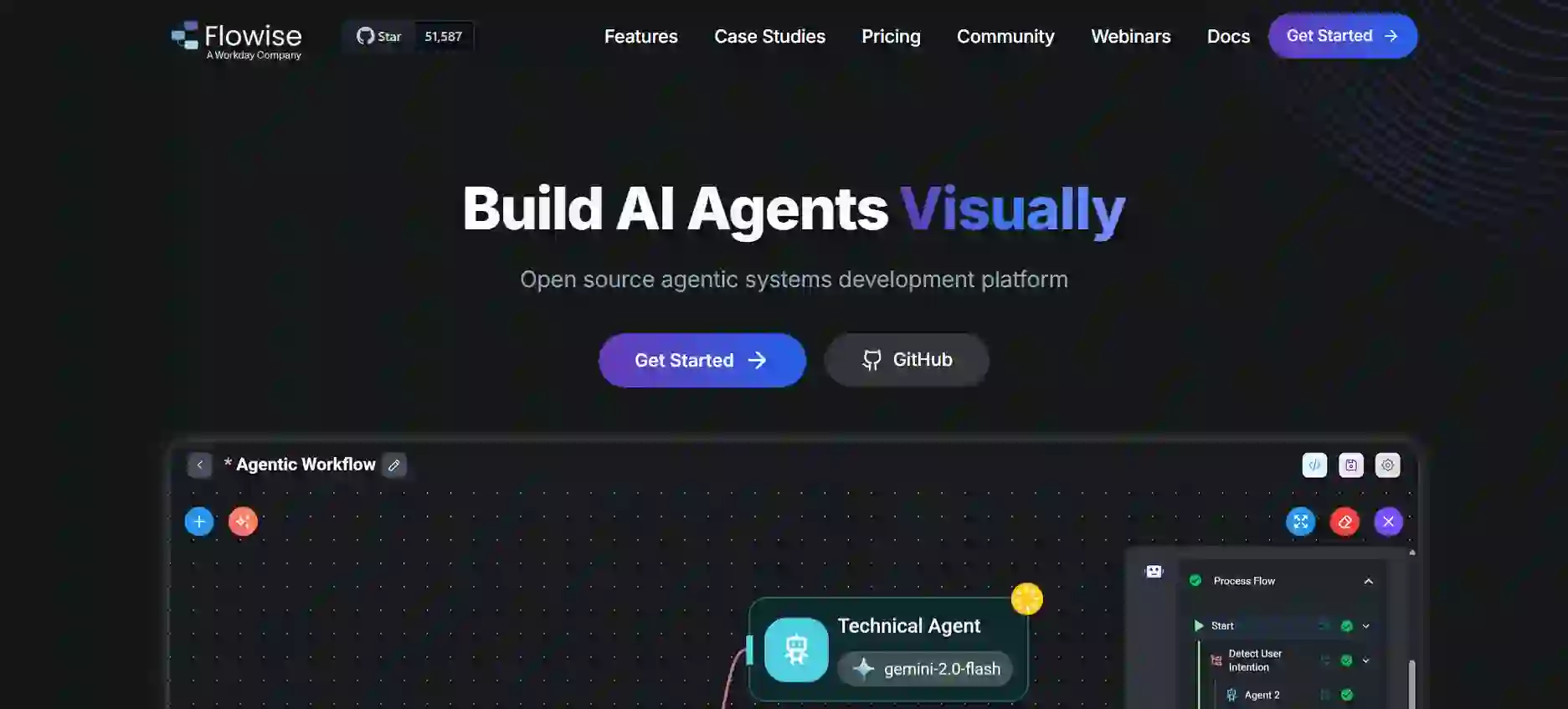
Flowise is an open-source visual builder for LLM-based applications where you wire together prompts, tools, and data sources on a node-based canvas. It wraps the LangChain.js ecosystem in a GUI, which means you can assemble retrieval-augmented generation (RAG) chatbots, research agents, and document assistants without writing code. Because Flowise can be self-hosted, it is popular with technical teams that want no code AI-powered app builder capabilities but keep infrastructure under their control.
Key features
- Drag-and-drop node editor. Flowise lets you connect components such as language models, retrievers, tools, and memory modules visually, so you can understand and adjust agent logic at a glance. You will know exactly how data flows from input to response without hunting through code.
- Assistant, Chatflow, and Agentflow builders. The platform exposes three main builders tailored to simple chat assistants, more complex chat flows, and full agent flows with tools and multi-step reasoning. This structure means beginners can start simple while experienced users push deeper.
- Open-source and self-hostable. Flowise is available under an open-source licence, with options to self-host on your own infrastructure or use Flowise Cloud. That combination makes it one of the most prominent open-source no-code AI builders today.
- Template flows and community ecosystem. A growing library of example flows and community contributions covers patterns like document Q&A, SQL agents, and custom tool use. If you need inspiration, you can clone a template and adapt it to your own stack.
- API and embed options. Once a flow is ready, you can expose it over REST or embed a chatbot widget into your site or app with a snippet. That makes Flowise usable both as part of no-code AI builders for websites and as backend logic for other no-code web app builder platforms.
4. Langflow
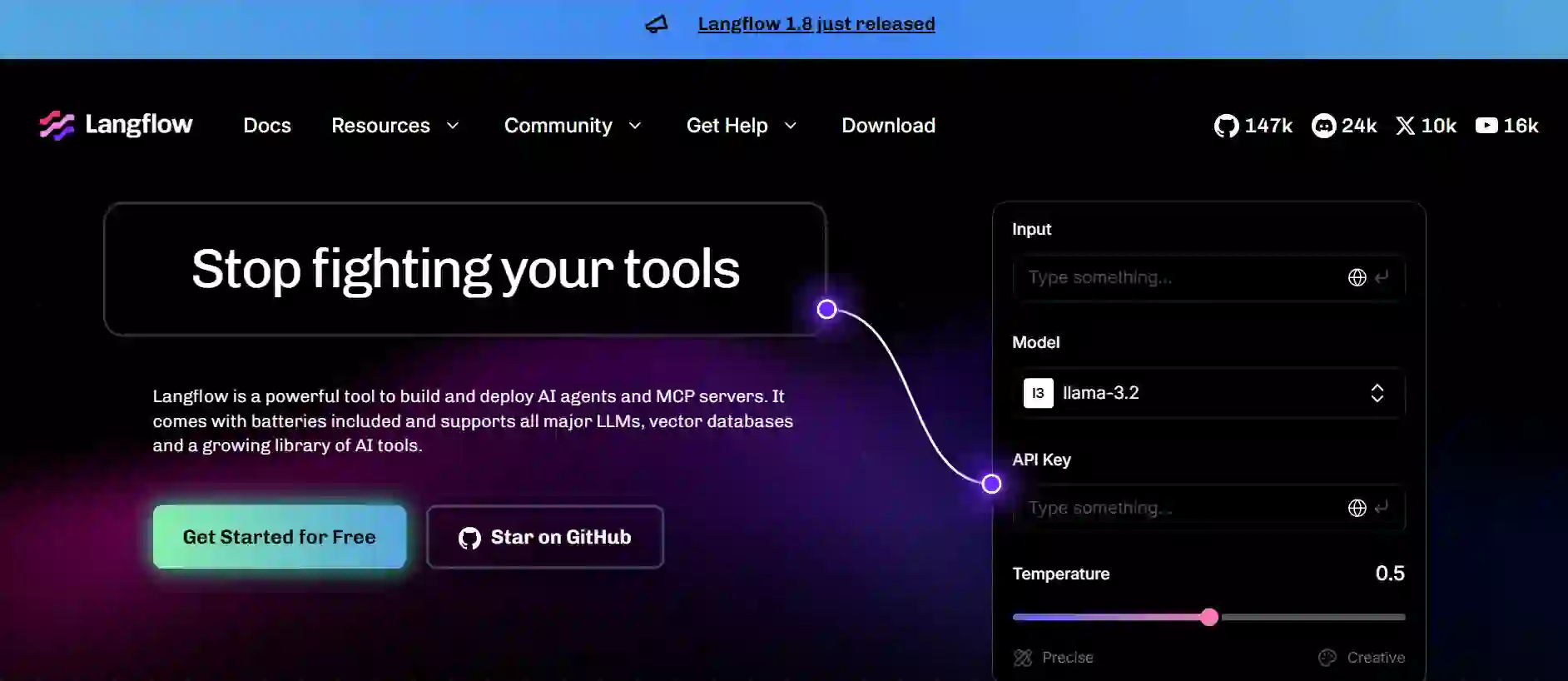
Langflow is another open-source low-code AI builder aimed at agentic applications and RAG workflows. It provides a visual IDE where you connect nodes for LLMs, tools, retrievers, and data sources, then run and debug flows in an integrated playground. Langflow is Python-based and model-agnostic, so teams can connect OpenAI, Anthropic, Google, local models, or any provider that supports APIs.
Key features
- Visual workflow editor and playground. Langflow’s interface lets you drag components onto a canvas, connect them, and then test flows step by step in the same window. That tight loop is valuable when you are designing more complex no-code AI agents.
- Multi-agent and MCP support. The platform supports agents and the Model Context Protocol, enabling setups where multiple agents collaborate or where agents call external tools and servers. This puts it in the conversation for top no-code AI builders when you need more advanced orchestration.
- Open-source distribution and desktop build. Langflow can be installed locally, run on servers, or accessed via hosted versions, giving you control over deployment and data residency. For teams wary of pure SaaS, this ticks important boxes.
- Integration-friendly design. Langflow is agnostic to databases, vector stores, and models, letting you plug in whichever stack you already prefer. That suits organisations that want no-code agent builder tooling without being locked into a single vendor.
- Growing learning resources. Tutorials and community examples cover patterns like coding agents, document assistants, and RAG chatbots, so you are not starting from scratch. Pair Langflow with other no-code app builder platforms if you want to build web and mobile apps using AI but keep orchestration separate.
5. Zite
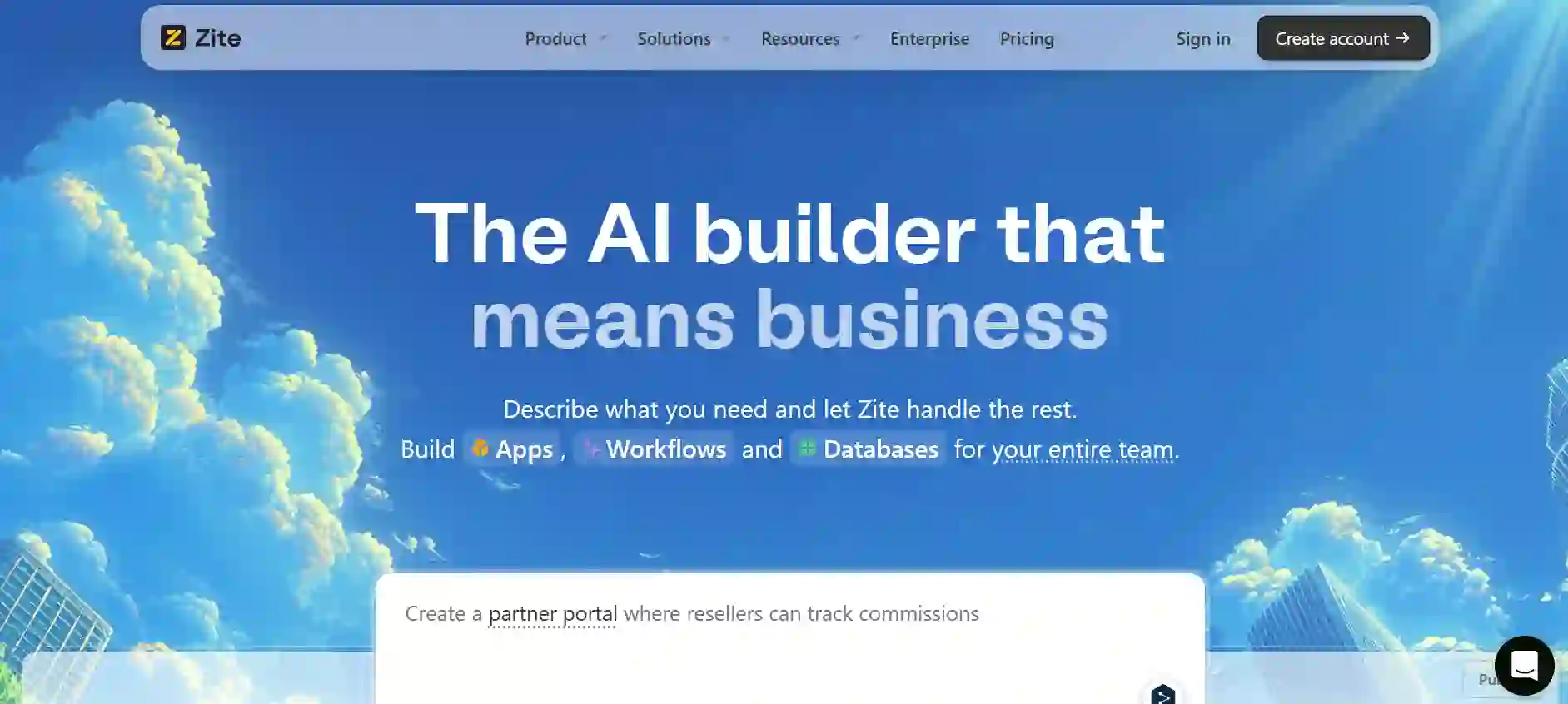
Zite is an AI-first no-code AI app builder focused on business apps such as portals, internal tools, and lightweight CRMs. You describe the app you want, Zite scaffolds pages, data tables, and workflows, and then you refine it in a visual editor. A built-in database means you do not have to manage external storage or write SQL, which is appealing if spreadsheets are your comfort zone.
Key features
- Prompt-to-app generation. Zite lets you describe an app in natural language, then generates a working starting point with pages, forms, and data models. You can then edit visually, making it an attractive option among best no-code AI builders for business software.
- Built-in no-code database. The platform includes its own data layer that auto-creates tables and relationships for your app. That removes the friction of configuring external databases, especially for non-technical builders.
- Workflows tied to data. Zite’s workflows connect directly to its database and external services so you can create automations such as approvals, notifications, and updates without scripts. This turns it into one of the more complete no-code AI app builders for back-office tools.
- Unlimited users on core plans. Marketing materials highlight that you can deploy apps to unlimited end users, charging by usage rather than per seat. That matters when you want no-code AI builders for businesses with many internal or client users.
- Integrations with familiar tools. Zite connects to Airtable, Google Sheets, and other SaaS products, which is helpful if your data already lives there. You can bring AI-powered workflows closer to where teams already store information.
6. Bubble
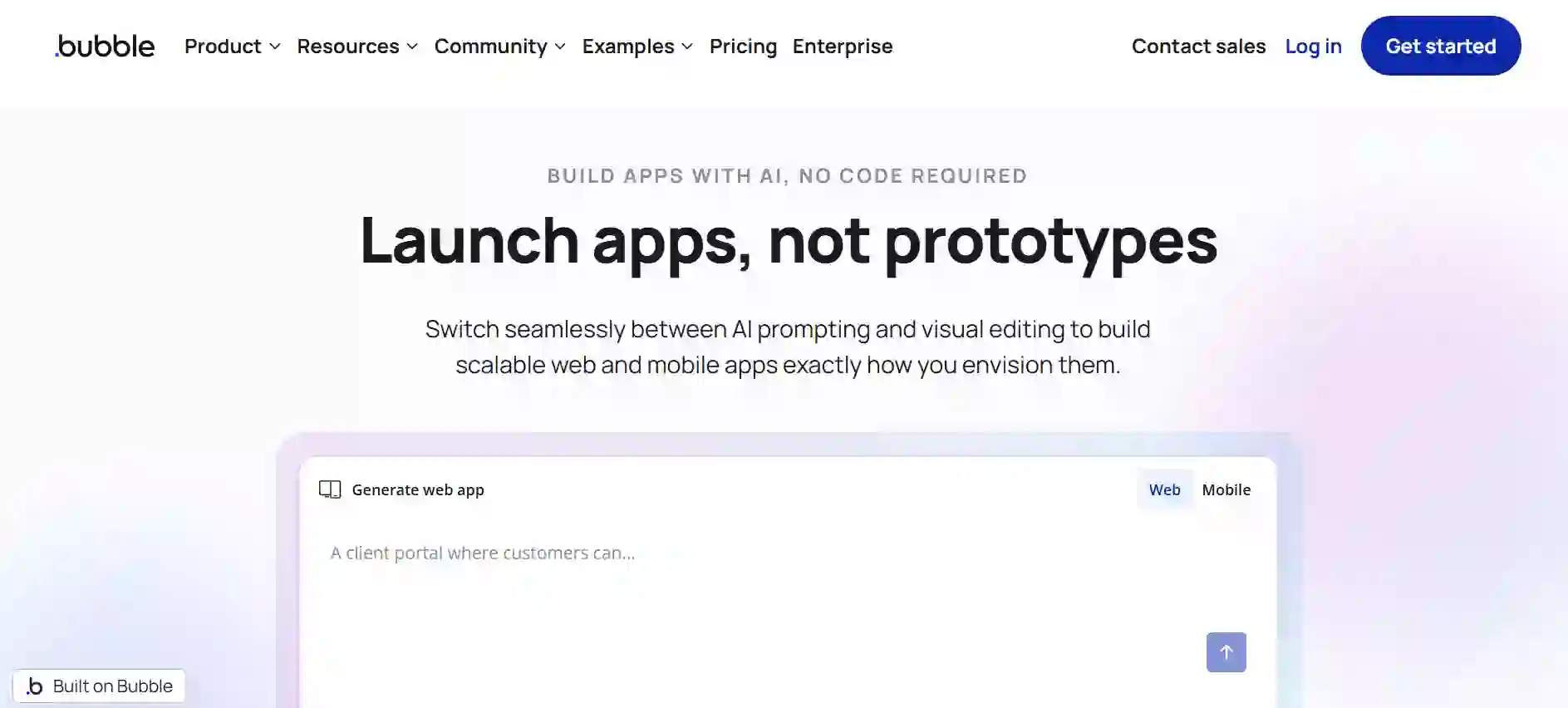
Bubble is one of the best-known no-code app builder platforms and has leaned into AI in recent years with AI app generation and workflow blocks. It lets you design full-stack web apps with a visual editor, integrated database, and workflow engine capable of calling AI APIs and other services. In 2026 Bubble also promotes an AI App Generator that builds a starting UI and database from a text prompt, then hands you control to refine it.
Key features
- Full web and mobile app scope. Bubble supports complex SaaS apps, marketplaces, and internal tools with user auth, data privacy rules, and responsive layouts. That makes it a strong contender when you want a no-code web app builder that can grow with your project.
- AI workflow blocks and integrations. You can integrate OpenAI, Anthropic, and other AI APIs via plugins or the API connector, then wire them into workflows for chat, recommendations, or automation. Combined with the AI App Generator, this positions Bubble as a no code AI-powered app builder rather than just a static UI tool.
- Template and plugin ecosystem. Thousands of templates and plugins cover design systems, payment flows, and specialised add-ons so you rarely start from a blank canvas. For newcomers to no-code AI builders for beginners, this ecosystem is often what keeps projects moving.
- Pricing with free tier. Bubble offers a free plan and paid tiers starting in the tens of dollars per month, scaling with capacity and features. For many, it is both a best no-code app builder for side projects and a viable platform for paid production apps.
- Active community and learning resources. A large community, learning hub, and third-party courses make troubleshooting and learning easier. You can pick up skills from forums, tutorials, and templates rather than figuring everything out alone.
7. Microsoft Copilot Studio
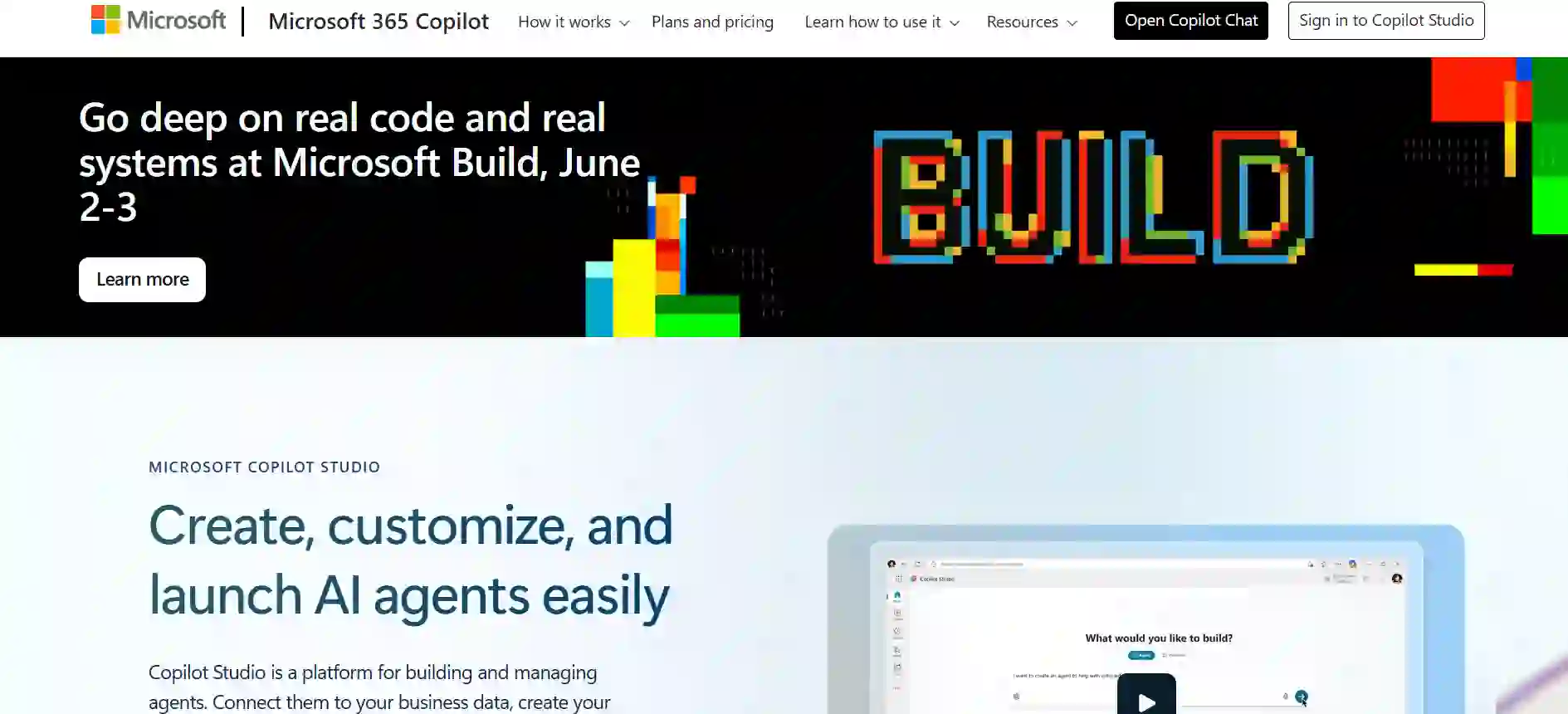
Microsoft Copilot Studio is a no-code AI agent builder tightly integrated with Microsoft 365, Teams, and the Power Platform. It lets you design conversational agents that pull from SharePoint, internal knowledge bases, and line-of-business systems, then surface them inside tools employees already use. For organisations already standardised on Microsoft, this is often the path of least resistance.
Key features
- Natural-language agent design. Copilot Studio includes conversational authoring where you describe the agent and its responsibilities, and the system generates an initial configuration. You can then refine conversation topics and logic using a graphical editor.
- Deep Microsoft integrations. Agents can access data and trigger workflows across Teams, Outlook, SharePoint, Dynamics 365, and the wider Power Platform. That makes it appealing for no-code AI builders for professionals inside enterprises that already rely on Microsoft tools.
- Security and compliance. Copilot Studio inherits Microsoft’s security posture, compliance certifications, and governance controls, which is critical in regulated industries. For some teams, this alone justifies choosing it over smaller vendors.
- Power Automate connection. You can pair agents with Power Automate flows for complex back-end processes triggered by user conversations. This combination lets you build apps with AI that actually change records, not just answer questions.
- Licensing tied to Microsoft 365. Pricing is generally layered on top of existing Microsoft 365 or Power Platform licences, which can be convenient if procurement already runs through Microsoft. For non-profits, Microsoft’s discount programmes also make this more attractive.
8. Zapier
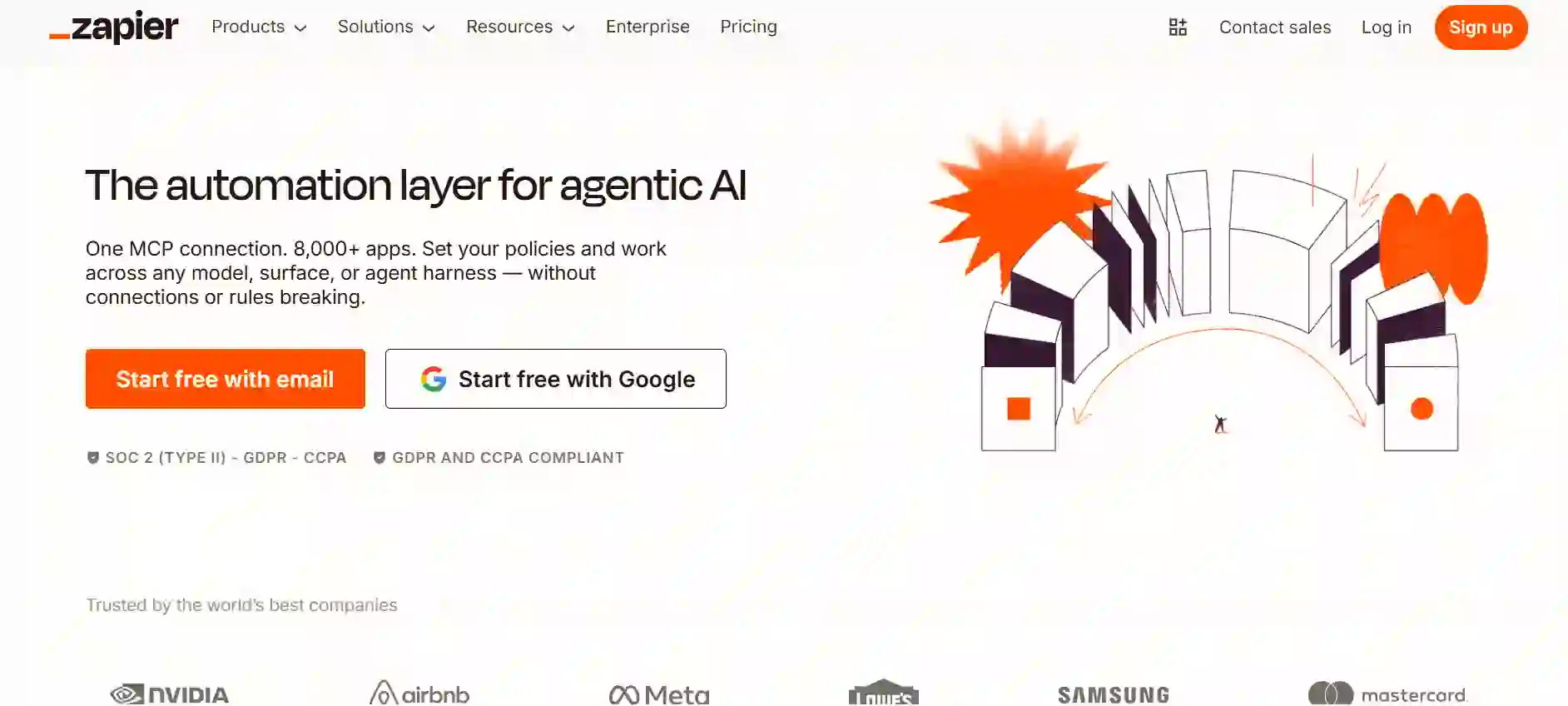
Zapier is widely known for no-code automation, and its newer AI capabilities turn it into a practical no-code agent builder as well. Zapier Agents let you describe an agent in natural language, choose tools, and then run it across more than eight thousand integrated apps. Because many teams already use Zapier for basic automation, moving into AI agents often feels like a natural extension.
Key features
- AI-powered agent builder. Zapier Agents combines large language models with Zapier’s automation engine so agents can reason about tasks and then execute real actions like sending emails, updating CRMs, or posting to Slack. You configure this through forms and prompts instead of custom code.
- Massive integration library. With integrations to thousands of SaaS tools, Zapier is an attractive option among top no-code AI builders for cross-app orchestration. You can bring AI into almost any existing workflow.
- Templates and pods. Zapier offers templates for common agents and allows grouping agents into "pods" for different teams or use cases. This structure is handy when multiple departments are experimenting with no-code AI app builders in parallel.
- Browser extension and triggers. A Chrome extension allows triggering agents from any website, and agents can be kicked off by webhooks, schedules, or app events. That flexibility supports both one-off tasks and always-on automations.
- Free and paid tiers. Zapier Agents include a free plan with a quota of activities per month, then paid tiers that scale activity counts and features. This positions Zapier between free no-code AI builders for light usage and serious paid no-code AI builders for heavier workloads.
Conclusion
No-code AI builders shrink the distance between ideas and working software so that more people can test concepts, automate routines, and launch tools without waiting in engineering queues. You might start with free no-code AI builders or a free AI app builder tier to see what sticks, then graduate into premium no-code AI builders once agents or apps become essential. If you keep your use case clear and pick platforms that match your skills and stack, no-code AI builders will feel less like hype and more like your everyday toolkit. And while you're at it, check out our guide on AI tools for a smarter supplier selection!
Start your dropshipping business today
No-Code AI Builders FAQs
What are no-code AI builders?
No-code AI builders are visual platforms where you design AI apps or agents using drag-and-drop blocks and configuration panels instead of writing code. They connect to AI models, data sources, and tools behind the scenes, so you type prompts and tweak settings rather than manage infrastructure. For beginners, no-code AI builders for beginners feel similar to editing spreadsheets or diagrams, while no-code AI builders for professionals expose deeper options.
Are no-code AI builders only for beginners?
No, no-code AI builders started as entry points for non-technical users, but many now support fairly complex workflows and enterprise governance. You can treat them as training wheels, or as serious no-code AI builders for professionals who want speed without giving up model choice and integration depth. Teams often keep them for long-term automation even after hiring engineers.
How do no-code AI app builders compare to traditional no-code tools?
Traditional no-code web app builder tools focus on UI, forms, and simple automations, while no-code AI app builders add model orchestration, memory, and tool use for agents. Instead of just storing data, you can build apps with AI that read documents, summarise conversations, or make recommendations. Many teams now mix both types, using AI-focused platforms as the brain and regular no-code app builders as the front end.
Can businesses and non-profits rely on no-code AI builders?
Many businesses, start-ups, and non-profits already run support bots, internal tools, and data workflows on no-code AI builders in 2026. Options range from open-source no-code AI builders you self-host to enterprise services like Copilot Studio or MindStudio with compliance and governance. No-code AI builders for businesses and no-code AI builders for non-profits work best when you start with narrow, well-defined agents and expand gradually.


Launch your dropshipping business now!
Start free trial.avif)


Related blogs

Minea Review: Is It Worth It for Dropshipping Product Research?
Read this Minea review to explore its features, pros, cons, pricing value, and whether it is the right product research tool for dropshipping sellers.


Top AI Tools for Small Businesses in 2026
Learn about the top AI tools for small businesses in 2026 for content, finance, agents, and automation. Pick the best AI tools for small businesses that match your workflows and budget, from free and paid.

Which are the Best Print on Demand AI Tools in 2026?
Find out which are the Print on demand AI tools in 2026. Save time, boost ROI, and improve product quality. Compare features, pricing, and real workflows for POD stores.
